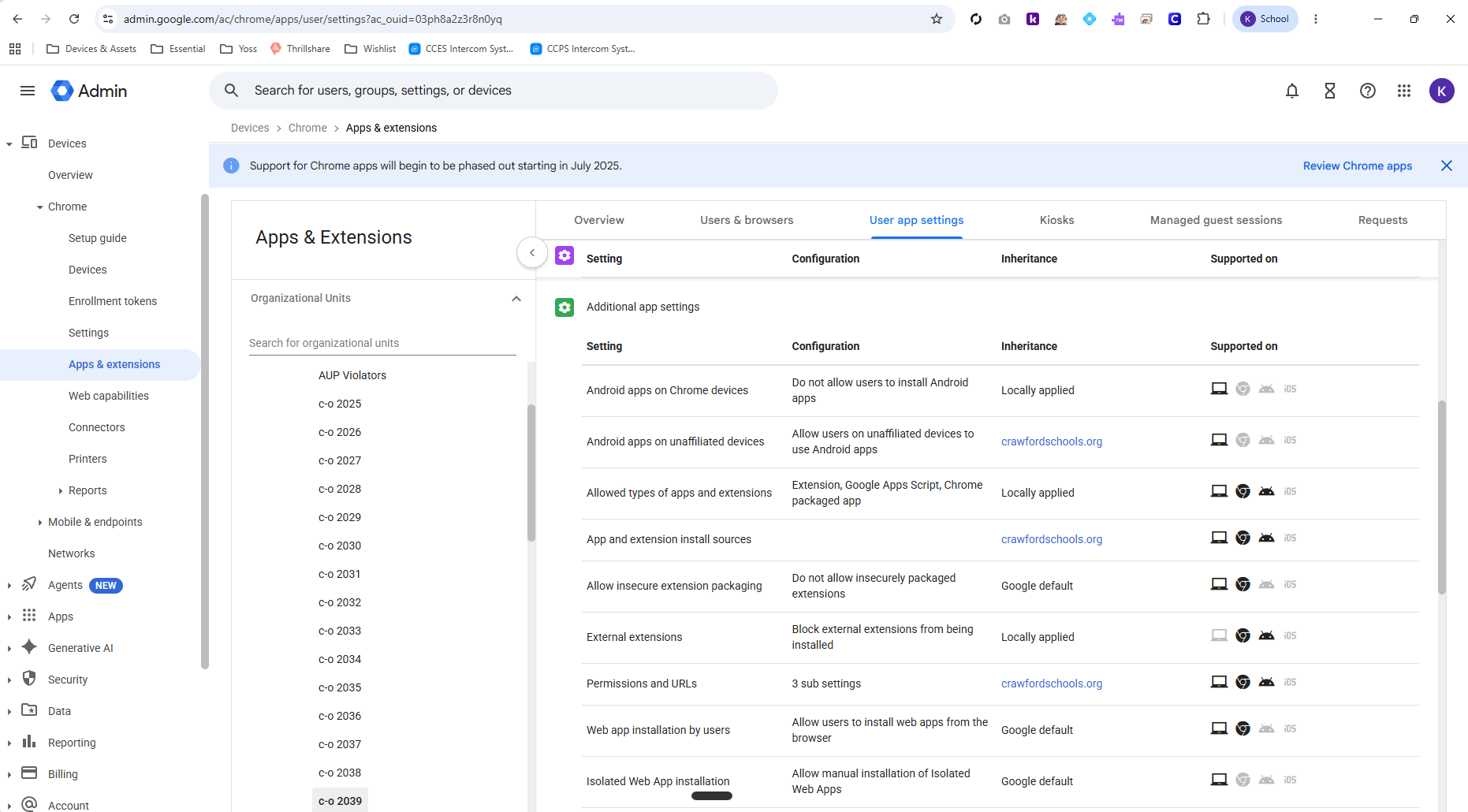
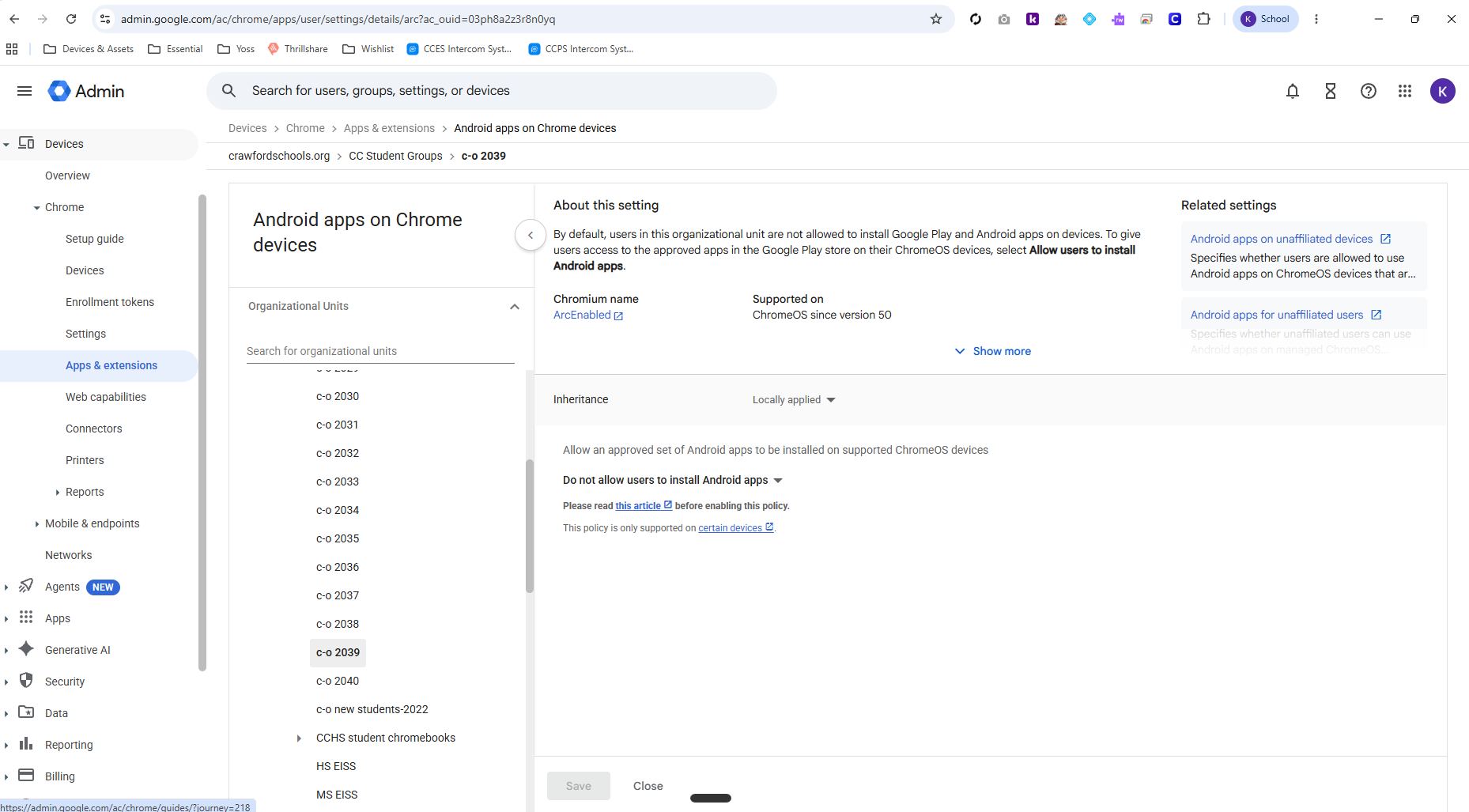
To disable the RCS Chat feature, you need to turn off Android Apps for Chrome Devices for any OU where you do not want this feature enabled. This will disable the Android VM running on the Chromebooks.
Resolution from Ticket #10112:
The RCS Chat and low-memory pop-ups were caused by the Android runtime running on the affected Chromebooks, with the Google Messages Android app installed inside it. Student OUs for this year's PK and K classes were inheriting "Allow users to install Android apps" from the root OU. Set "Android apps on Chrome devices" to "Do not allow users to install Android apps" on those student OUs. This disables the Android runtime at the user level, which removes Google Messages and the RCS prompts and frees the memory it was consuming. Takes effect at next sign-in. Documented in the knowledge base for future OU creation.